Cart & Checkout
Add wholesale items to cart and place dealer-to-dealer orders.
Step-by-step instructions
1 Add items to cart
On a listing page, enter quantity (respecting minimums) and click Add to cart. The cart icon in the header shows your item count.2 Review cart
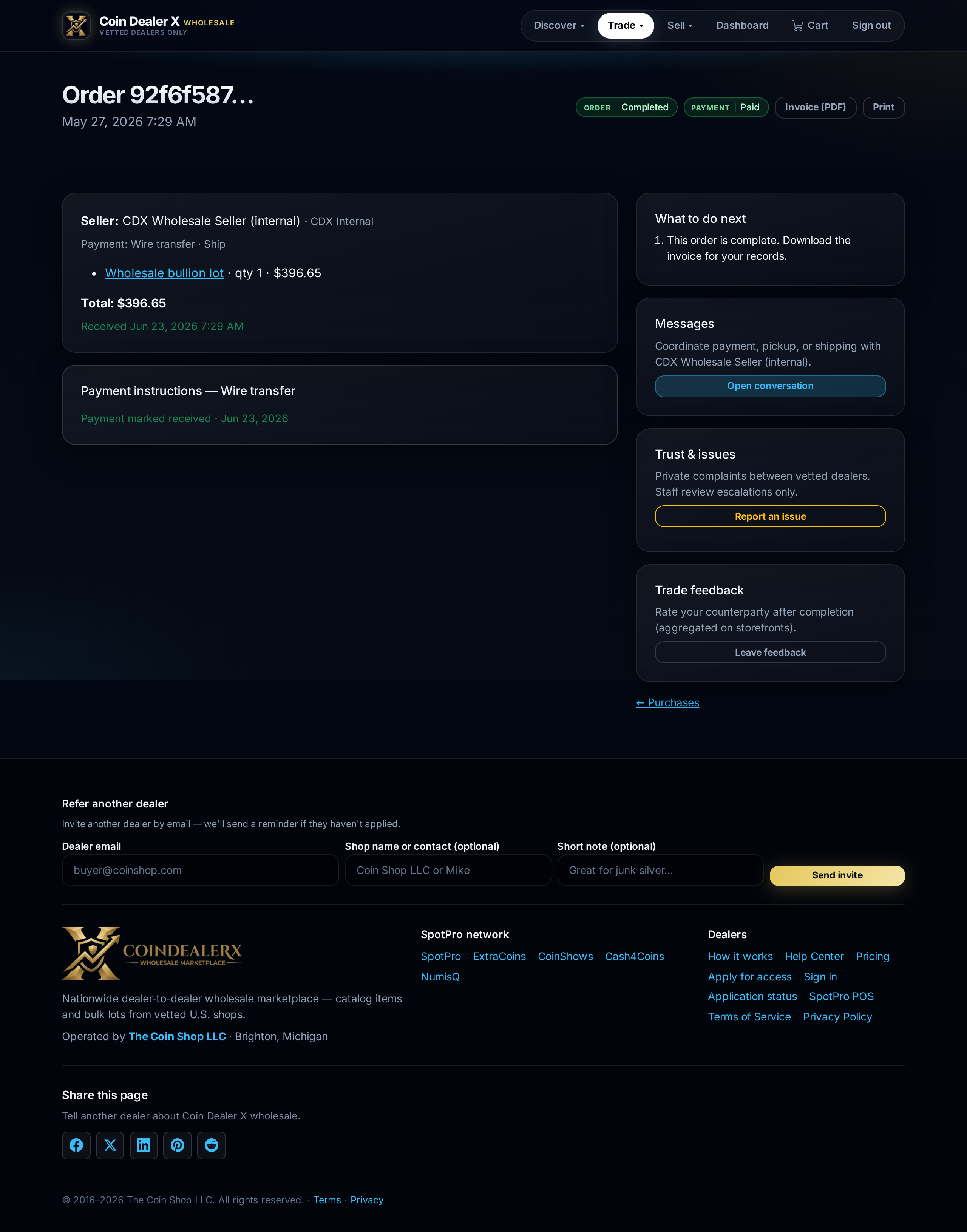
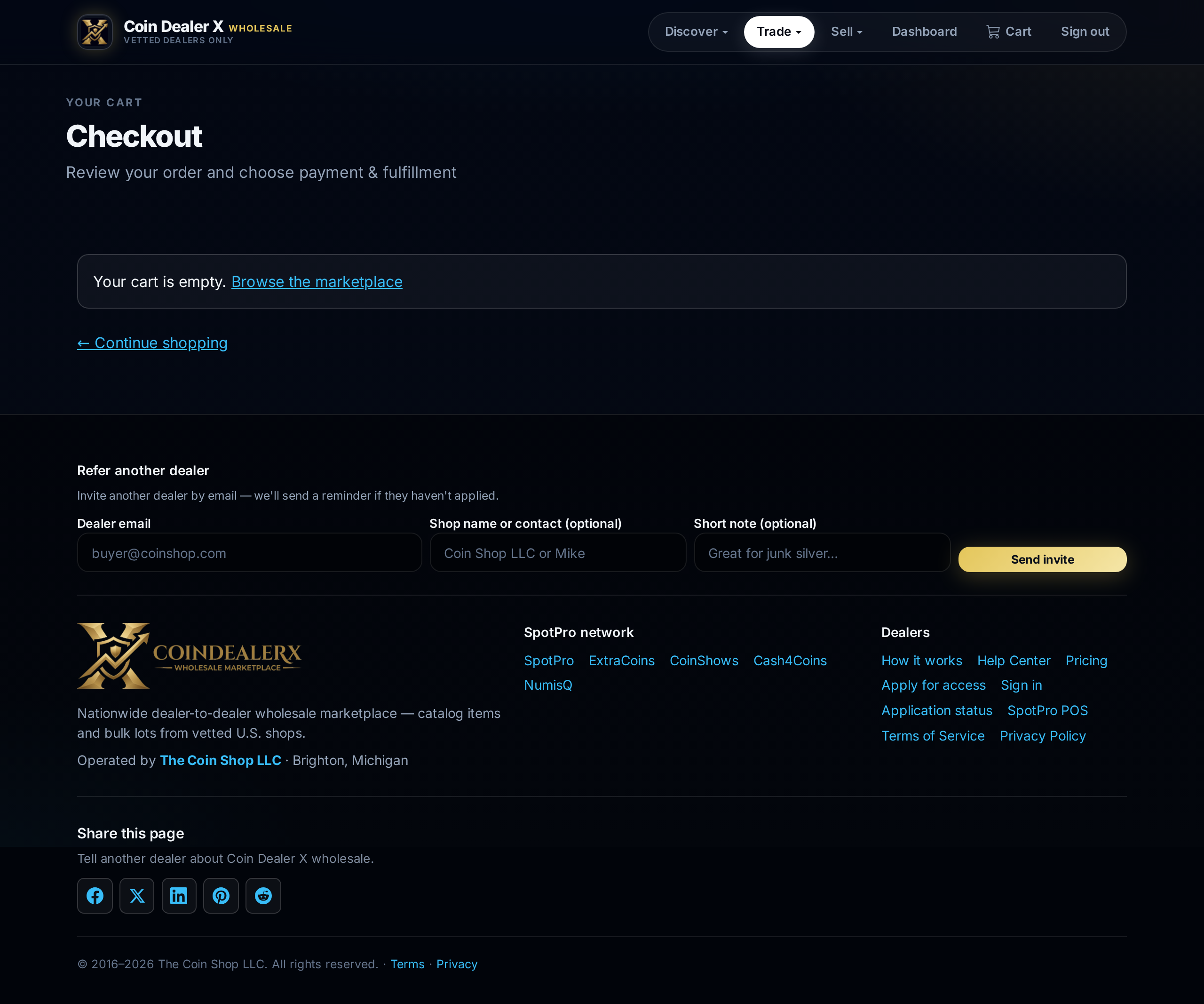
Open the cart drawer or /cart. Each line shows seller, unit price, and subtotal. Items from different dealers may split into separate orders at checkout.Checkout screen with seller payment methods. 3 Place order
Proceed to checkout. Confirm ship-to or pickup details and payment method offered by the seller (wire, ACH, Zelle, card, in-person, etc.). Submitting creates an order the seller fulfills off-platform.4 Stock reservation
When a listing is linked to SpotPro inventory, completing checkout decrements the seller's POS quantity so the item cannot sell twice in-store or online. See inventory sync.
Screenshots