
Browse & Search Wholesale Listings
Find catalog items, bullion, and bulk lots from vetted dealers.
Step-by-step instructions
1 Open Browse
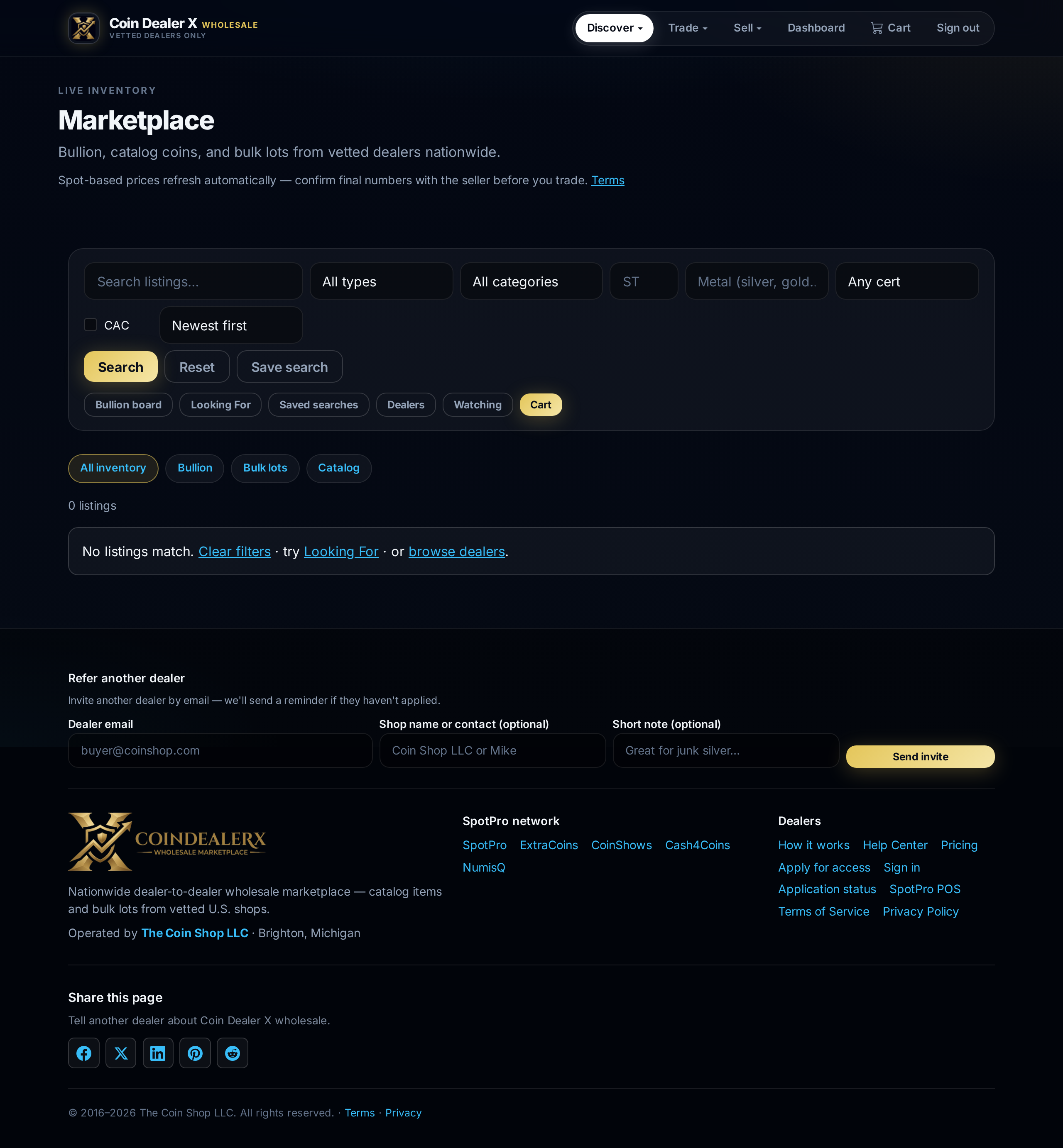
From the top nav, click Browse or go to coindealerx.com/browse. Listings show title, dealer, price type, quantity available, and metal spot context for bullion.Live marketplace grid with real dealer inventory. 2 Use filters
Filter by listing type (catalog, bullion, bulk), category, state, metal, cert service (PCGS, NGC, ANACS, etc.), and CAC sticker. Sort by newest, price, or bullion premium. Out-of-stock linked inventory is hidden automatically when POS quantity reaches zero.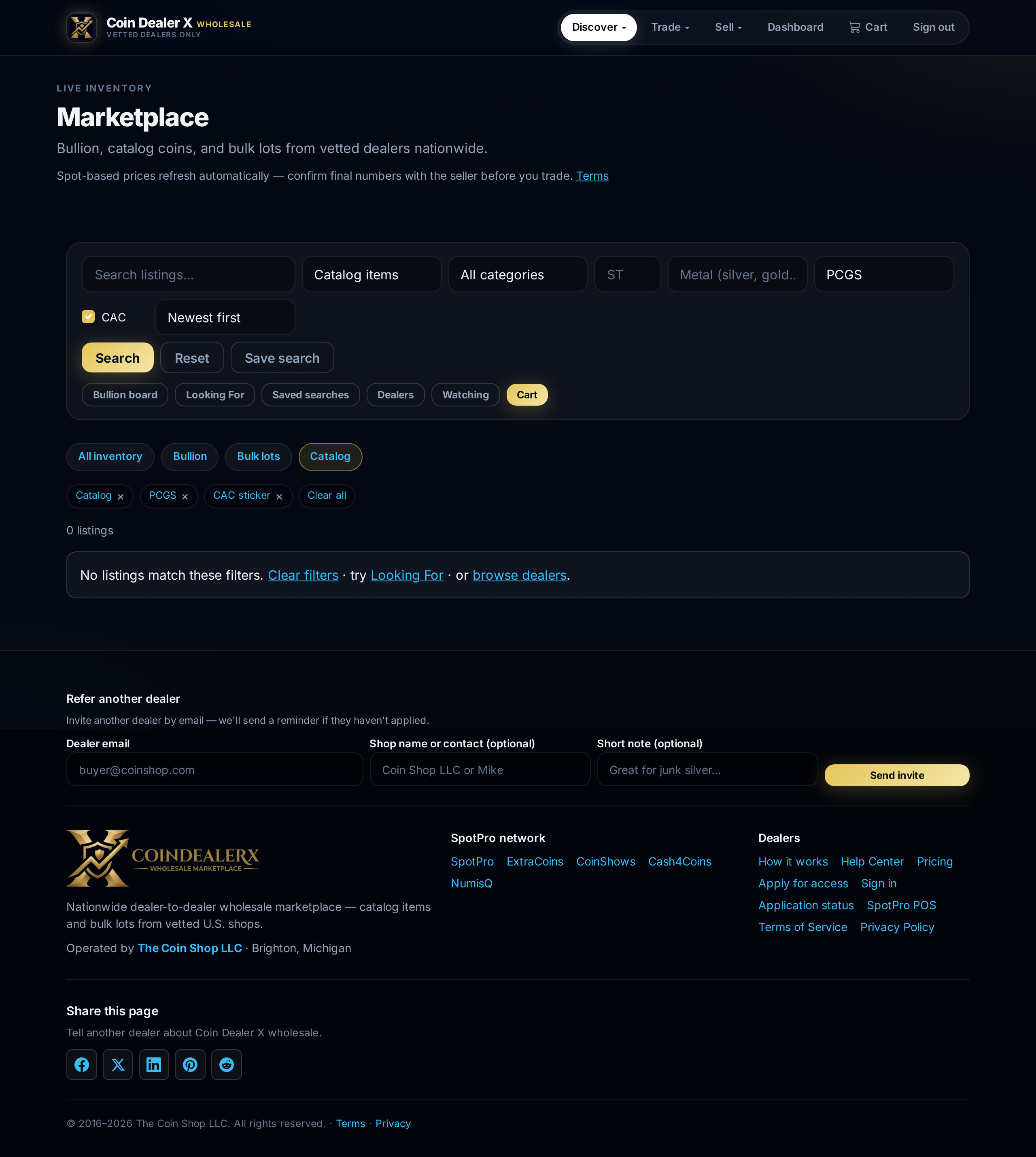
Browse filters — cert service, CAC, sort, and Save search. 3 Open a listing
Click a card to open the full listing page — photos, description, wholesale price, minimum quantity, and dealer storefront link.
1921 Morgan Dollar MS63 — Midwest Coin Exchange. 4 Watchlist
Signed-in buyers can add listings to a watchlist from the listing page to track price or availability changes.