
Messaging Dealers
Order threads, quotes, and direct dealer communication.
Step-by-step instructions
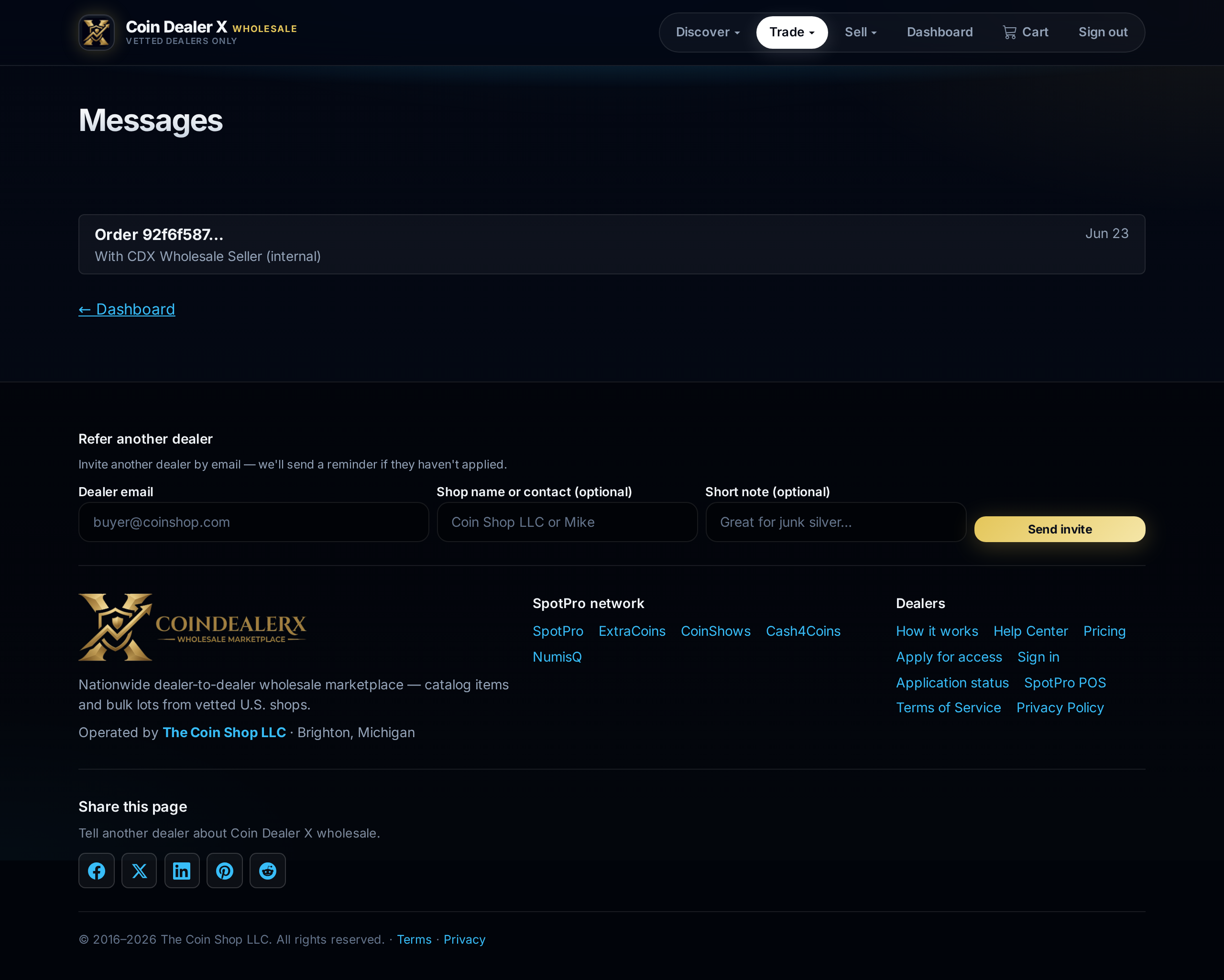
1 Open Messages
Click Messages in the top nav. Unread counts appear on Trade dropdown items when applicable.2 Order threads
Each wholesale order can have a dedicated thread — use it for payment confirmation, tracking numbers, or delivery questions.
Live conversation on an open wholesale order. 3 Looking For posts
Buyers can post Looking For want lists; sellers respond with quotes. Standing bids let a buyer name a max price — a seller with a matching listing can fill it in one step. See Bids, asks & standing orders.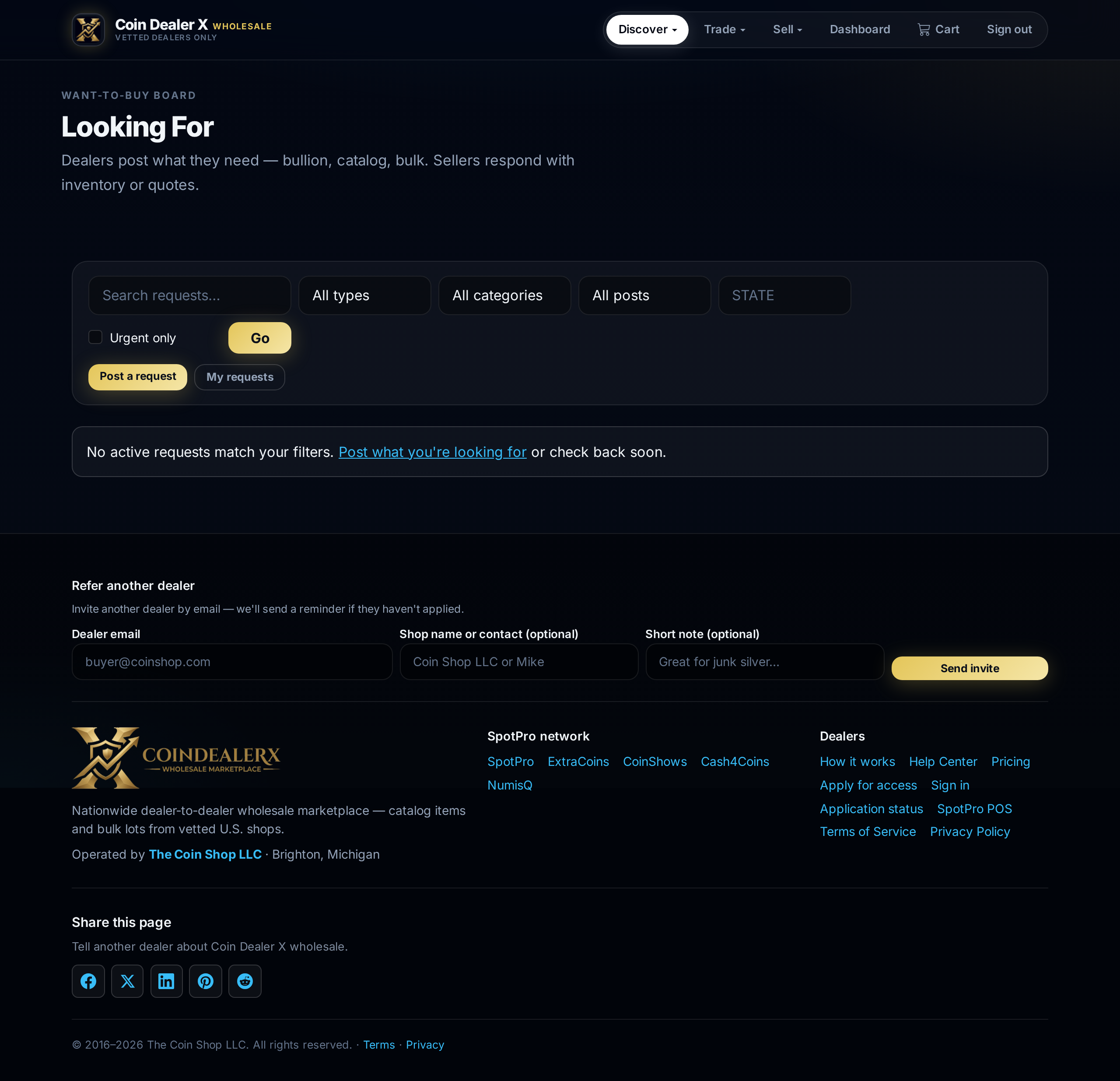
Looking For board — open requests and standing bids.