
Apply for Access
Submit your dealer application and what to include for faster approval.
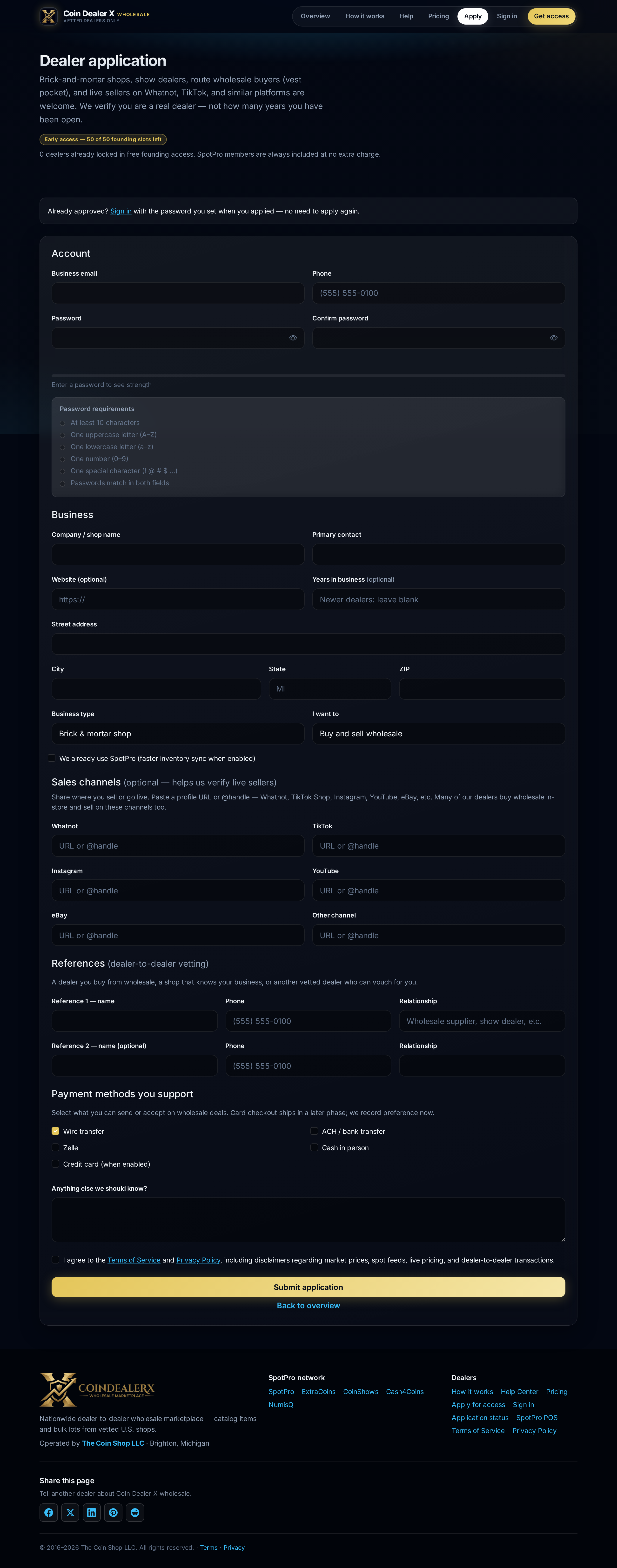
Step-by-step instructions
1 Open the application
Go to coindealerx.com/apply. You do not need a SpotPro account to apply, but linking your shop helps verification.Application — shop details, channels, and password. 2 Describe your business
Select your business type (brick-and-mortar, show dealer, live seller, route buyer, etc.). Include your shop name, location, and how you source inventory.3 Add sales channel links
Paste links to your website, ExtraCoins subdomain, Whatnot/TikTok store, Google listing, or dealer references. Human reviewers use these to confirm you are a real dealer.4 Choose buy and/or sell intent
Tell us whether you plan to buy wholesale, sell wholesale, or both. Permissions are set after approval.5 Submit and watch email
After submit you receive a confirmation email. Typical review is 1–3 business days. Check application status anytime.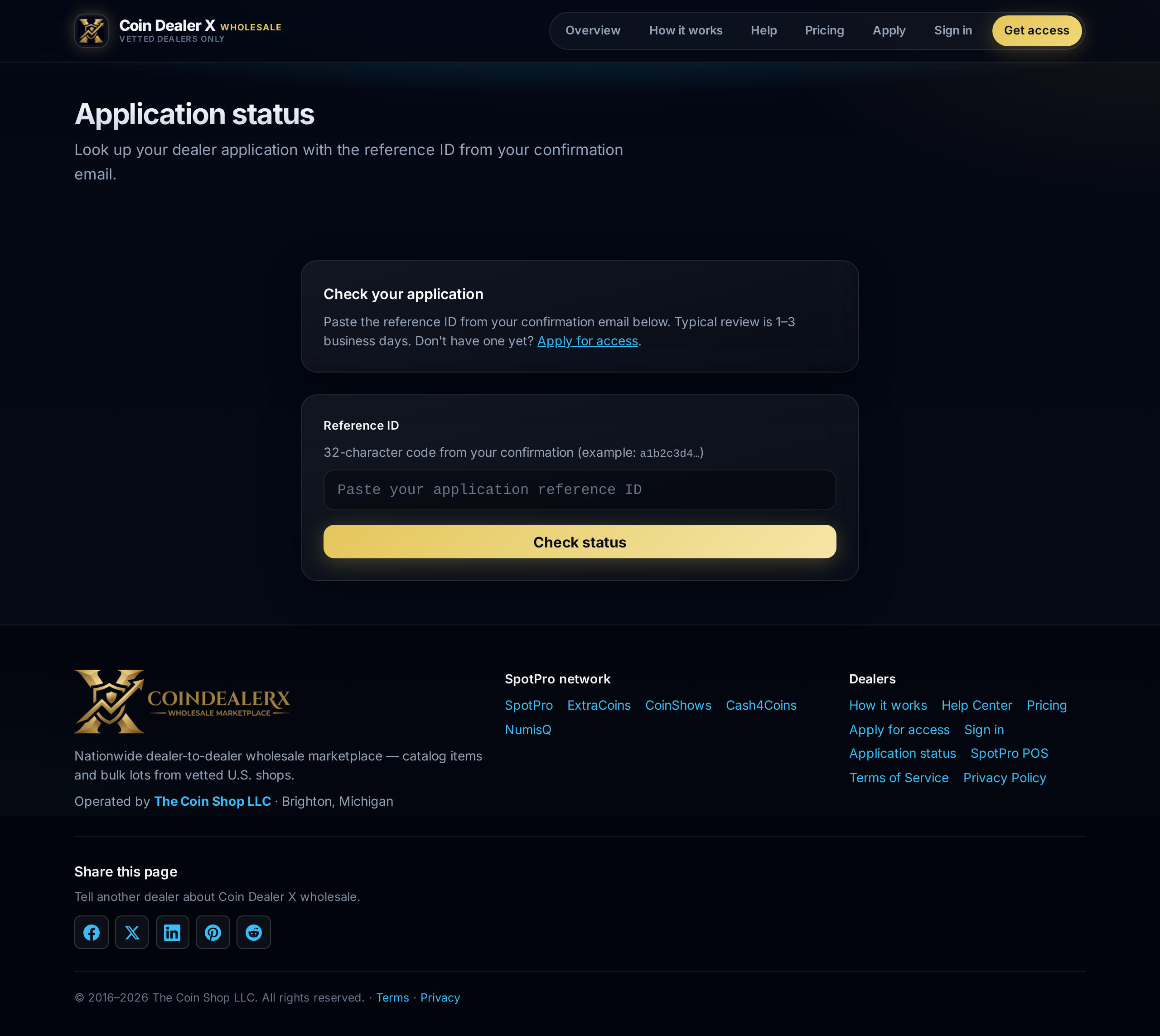
Status page — paste your reference ID from email.