
Check Application Status
Track a pending application before your account is activated.
Step-by-step instructions
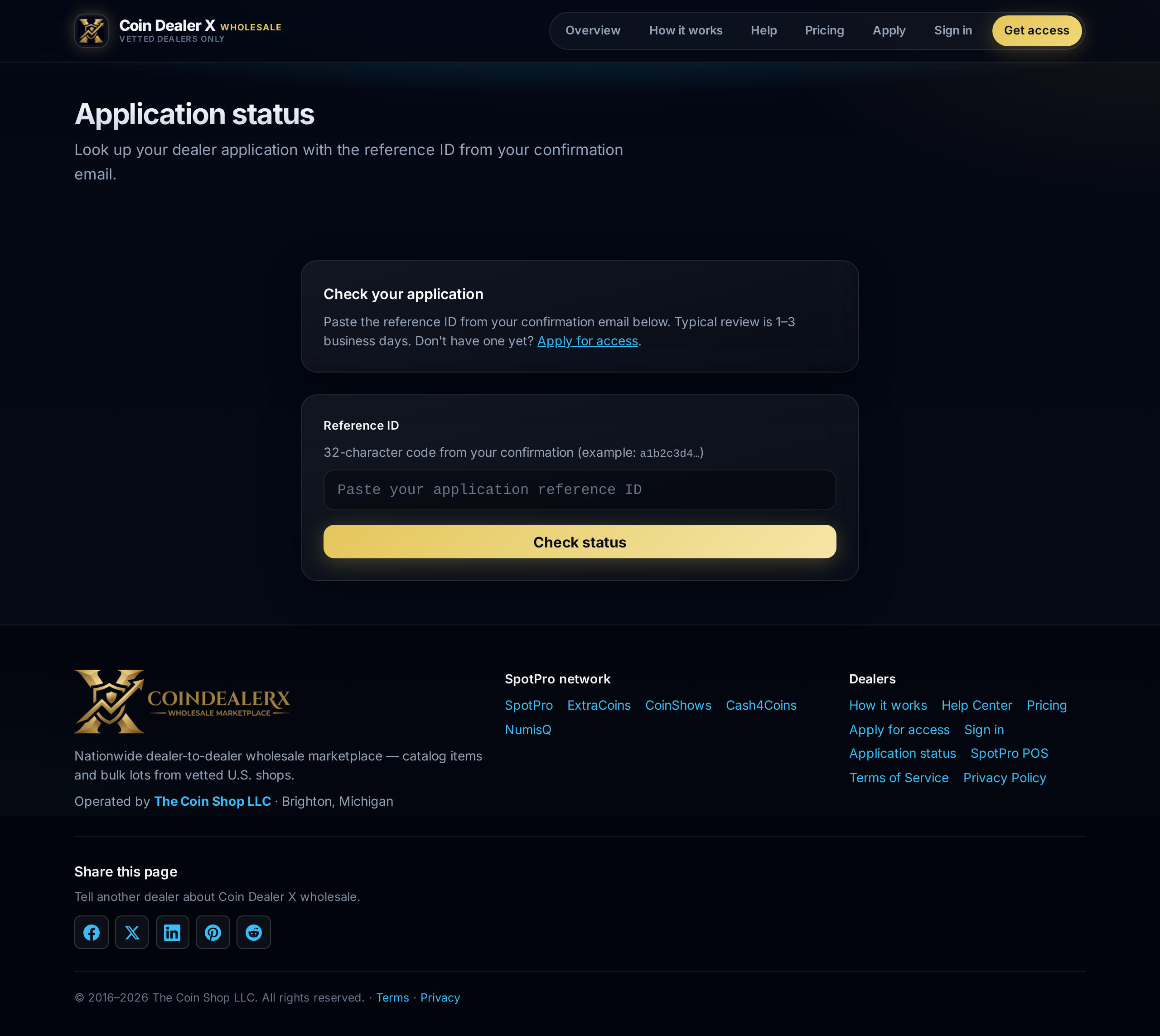
1 Open the status page
Visit coindealerx.com/status. Enter the email address you used on the application.2 Read your current state
States include received, under review, approved, or needs info. If we need more detail, the status page or email will say what to send.3 After approval
You receive a welcome email with a sign-in link. Set your password if prompted, then open your Dashboard to confirm buy/sell permissions.