
Manage My Listings
Edit, pause, or withdraw active wholesale listings.
Step-by-step instructions
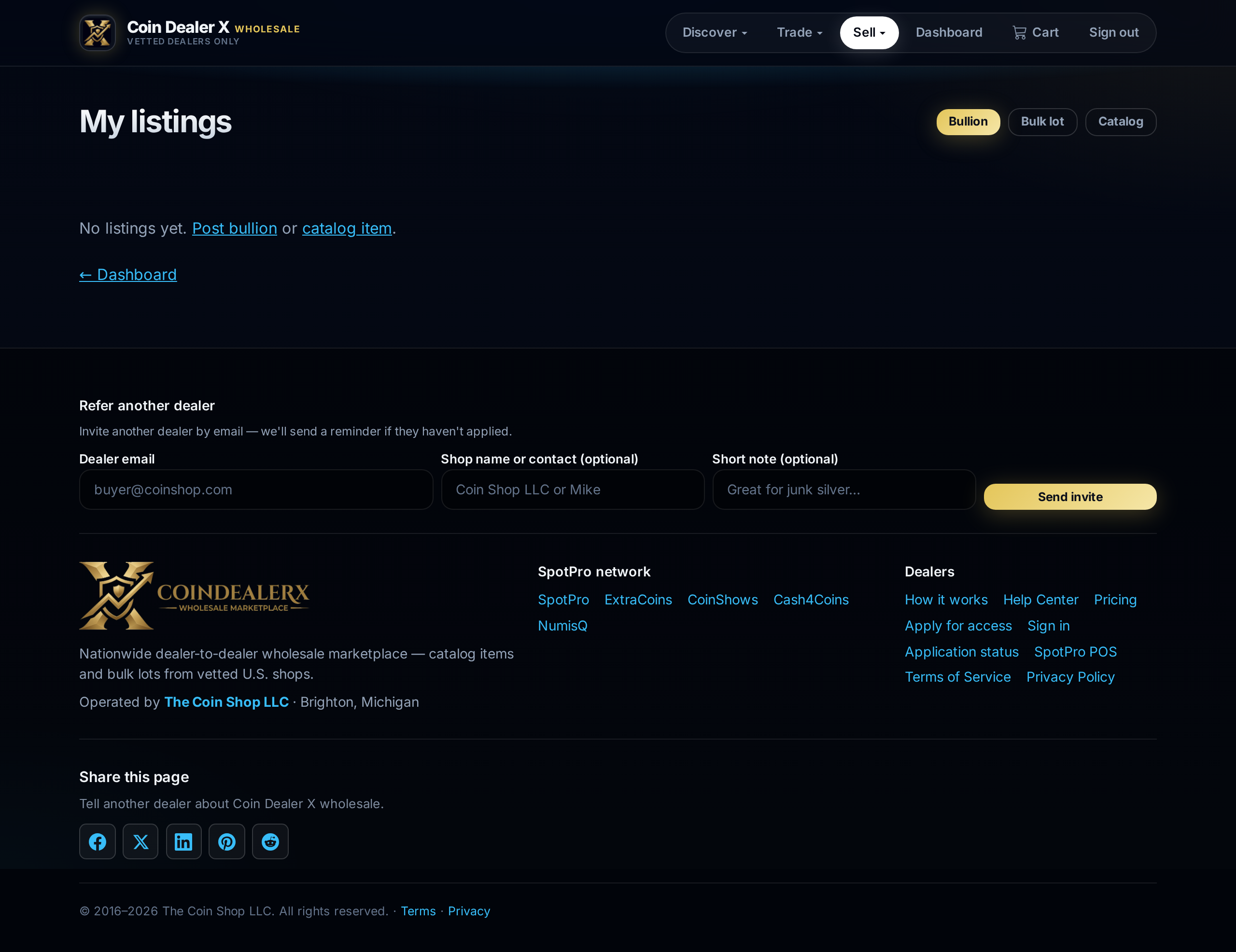
1 Open My listings
Sell → My listings shows every active, pending, and withdrawn offer.2 Edit on CDX
Open a listing to change photos, description, price, or delist floor on spot-based bullion. POS-linked listings should be updated from SpotPro when possible — use Update / Change wholesale offer on the inventory card (floor edits there too).3 Withdraw
Remove a listing when sold elsewhere or out of stock. Linked POS items also support Remove from CDX in SpotPro inventory.